Email · 8 min read · Mar 15, 2026
Your inbox is the bottleneck. 4 agents that fix it.
Email eats around four hours a day for the average operator. Here are the four AI agents that take roughly 80% of it back — and the deployment order I install in week one.
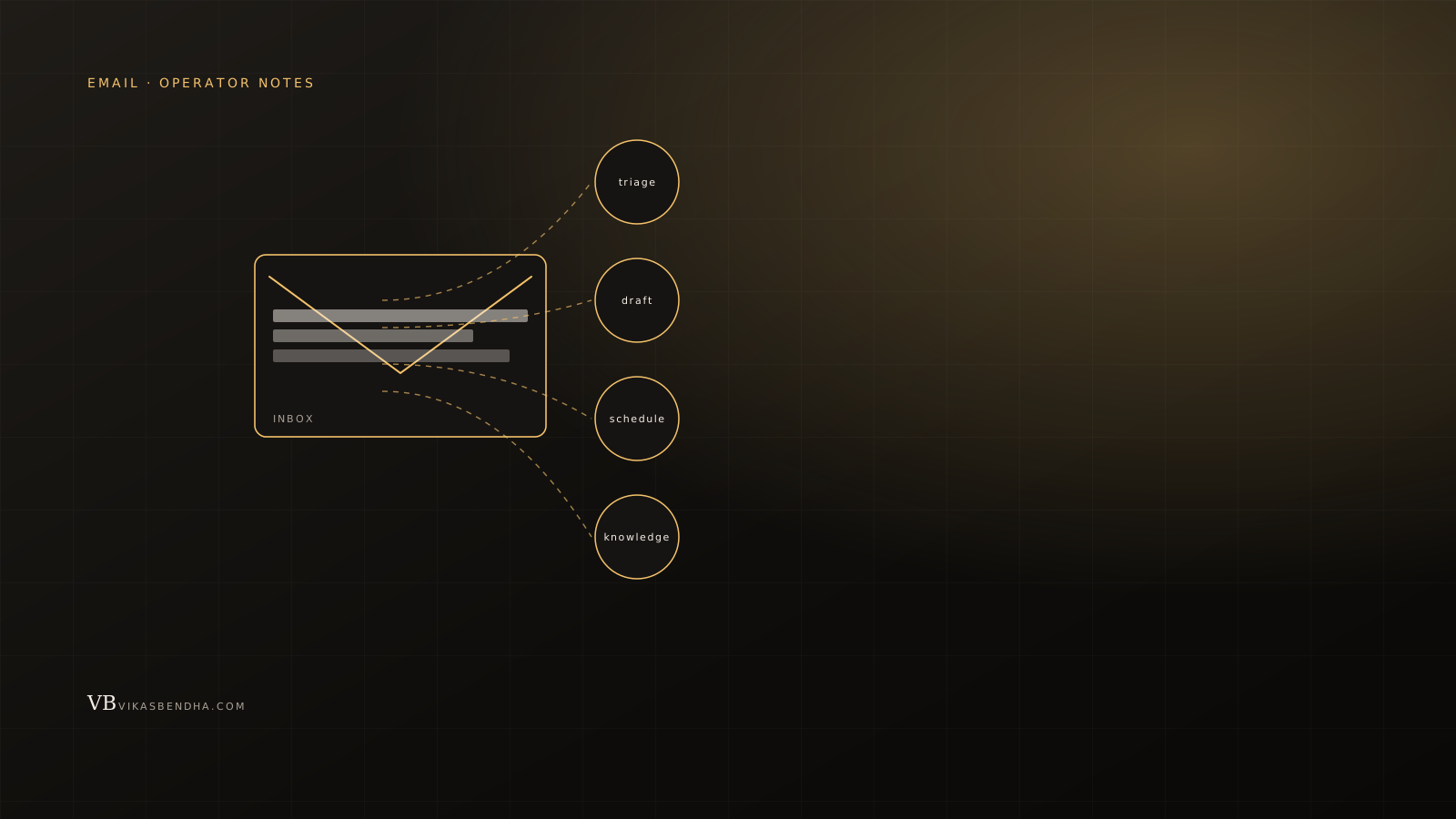
Industry surveys put email at three to five hours a day for knowledge workers, depending on role. Founders and operators sit at the high end. The interesting number isn't the total — it's the distribution. Most of those hours go to triage and reply, not to actually thinking. That's the part agents can take back.
Below are the four agents I install for clients, in the order they get rolled out, and the failure modes that stall most teams in week two.
Agent 1 — the triager
The first agent reads every inbound email, classifies it, and produces a single morning brief. Categories are simple: needs your reply, FYI, scheduling, vendor, newsletter, and noise. The brief shows you the first three categories. The rest gets archived or summarized weekly. That alone reclaims roughly an hour a day for most people I've installed it for.
The trick is calibration. The agent will misroute things in week one. You give it feedback for ten days, and by week three the false-positive rate is lower than your own.
Agent 2 — the drafter
For every email that needs a reply, the second agent writes a draft. Not in the email — in your task list. You read the original, glance at the draft, edit, send. Most replies you'd write yourself in three minutes get cut to thirty seconds because the model already pulled the relevant context, named the deliverable, and got the tone right.
The failure mode here is over-trust. The drafter will confidently misremember a deal value or a deadline. Your job is to read the email and the draft, not just the draft. Teams that try to skip the read step ship embarrassing replies in week one and stop using the agent in week two.
Agent 3 — the scheduler
The third agent owns calendar logistics. It proposes times, books, reschedules, sends prep notes, and writes follow-ups after the call. The leverage compounds because every meeting is a small project — three to five emails of coordination per call. Take that off your plate and the day reshapes.
What makes scheduling agents land is permissions. They need real calendar access, real send-on-behalf-of, and a fast way for the human to override. Half-implementations where the agent emails you a suggestion and waits for approval add work instead of removing it.
Agent 4 — the knowledge worker
The fourth agent doesn't reply at all. It reads emails, extracts commitments, and updates the rest of your stack: CRM notes, project trackers, a personal todo list, the customer-success digest. The first three agents take time off your plate. This one keeps the rest of your tools honest. The output is invisible until you stop using it for a week and your CRM starts to drift.
Why most teams stall in week two
Three reasons, in order. They start with the drafter instead of the triager — which means the agent is writing replies before it knows what an unimportant email looks like. They don't give the agent feedback during calibration, so accuracy plateaus low and trust never builds. And they leave the human-side rituals in place — checking the inbox compulsively at every notification — so the agent is doing the work but the human is also doing it. The lift comes from changing both sides.
Cost vs value
API spend for a single full-stack email assistant runs in the low double-digits per user per month at current frontier pricing. The reclaimed time, on a sixty-dollar-an-hour internal cost, pays for itself in the first morning. The interesting cost isn't the LLM bill. It's the integration work — calendar, CRM, comms tools — and the calibration time. That's where studios like ours add value.
If you want this run end-to-end, see email automation and AI workflows. Or read the CRM companion piece — the email and CRM problems are usually one knot.
Sources & further reading