CRM · 7 min read · Mar 22, 2026
Why your $400/mo HubSpot is doing the work of a $40 spreadsheet
Most CRMs run at single-digit feature utilization. Here's the minimum-viable HubSpot — what to switch on first, the three reports that matter, and when to leave.
I've audited around forty HubSpot accounts in the last three years. The pattern is consistent enough to bet on: the average team uses about ten percent of what they pay for. The reports the marketing team built in onboarding stopped being trusted six months in. The lifecycle stages are a graveyard of people who never moved. The automation tab has eight workflows, four of them paused, two of them broken silently.
If that sounds like your account, you don't need a different CRM. You need a smaller one.
The CRM tax problem
Mid-tier HubSpot bundles run upwards of four hundred dollars a month per seat by the time you add Marketing Hub Pro and a workspace or two. Multiply by team and the line item starts to look like a dedicated headcount. The justification is always "we'll grow into it." The reality is the team grows around it — building manual reports because the platform reports are too rigid, exporting to spreadsheets because the dashboards don't filter the way sales actually thinks, scheduling meetings outside the platform because the meeting tool's friction is higher than Calendly's.
Why utilization stays low
Two structural reasons. The first is that HubSpot, like Salesforce before it, is sold to executives and used by ICs. The buyer wants attribution, forecast accuracy, and pipeline visibility. The user wants a clean inbox and one less tab open. Those incentives don't align unless someone owns the gap. Most teams under fifty don't have a RevOps person. The CRM ages without a steward.
The second is that workflows in HubSpot are easy to set up and hard to test. People build them, watch them break, and lose confidence. Once you don't trust the automation, you do the work by hand. Once you do the work by hand, the data in the CRM lags reality by a quarter.
The minimum-viable HubSpot
When I rebuild a CRM around what's load-bearing, this is what survives:
- One pipeline. Not three. One. With four to six stages, each with an explicit exit criterion. "Connected" doesn't count. "Discovery call booked" does.
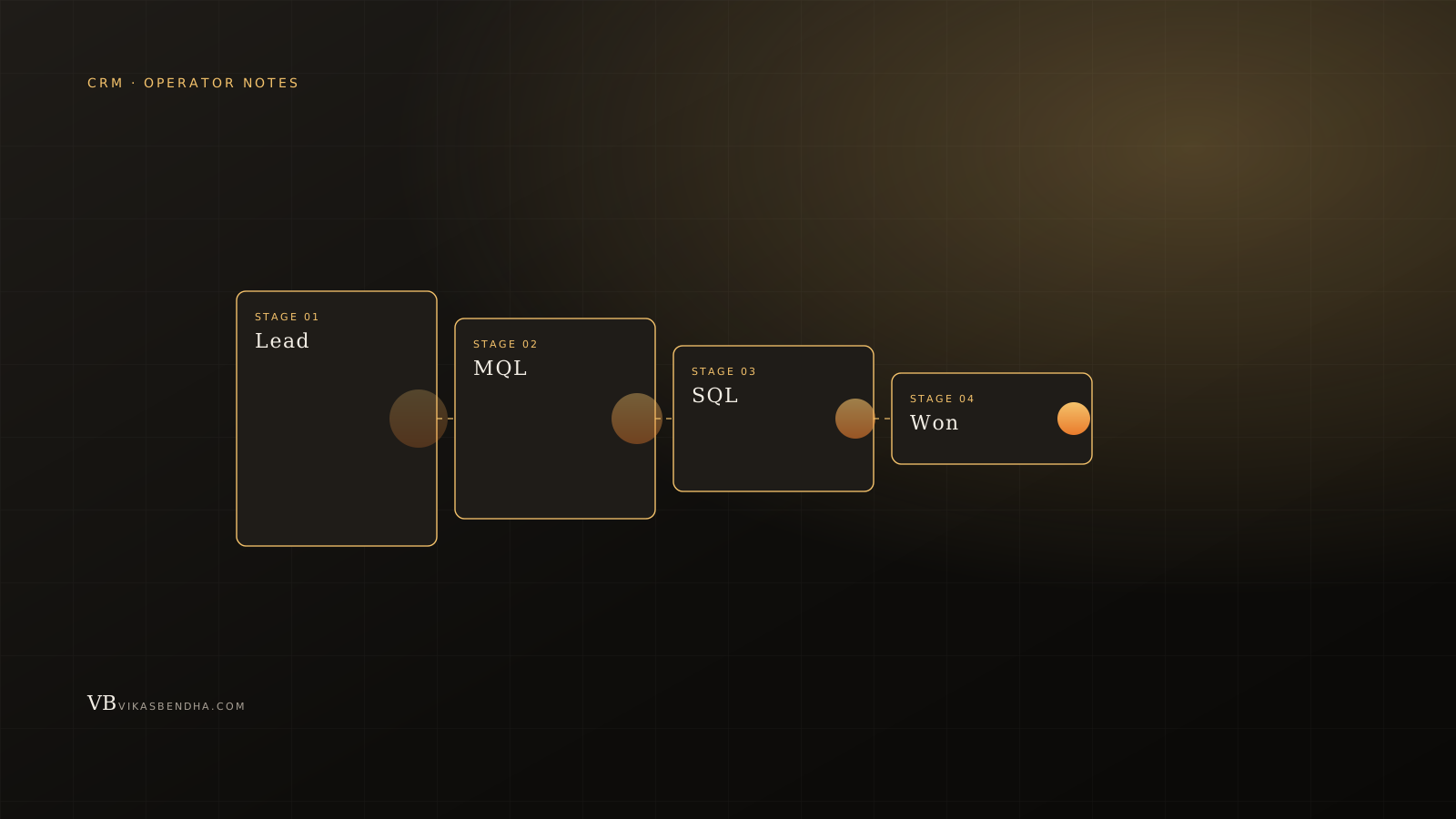
- One contact lifecycle. MQL/SQL/Customer/Churn. Anything else gets a property, not a stage.
- Three reports, no more: pipeline by stage, MQL→SQL conversion by source, and a 30-day activity feed (calls, emails sent, meetings booked).
- Two automations: a stage-change notification to the AE on the deal, and a 14-day no-activity reminder. Everything else is human or doesn't exist.
- Lead source as a single required field. If you can't tell where a lead came from, you can't decide where to spend.
That's it. Eighty percent of teams I've worked with operate better on this configuration than on the elaborate one they were sold.
The three reports that matter
Pipeline by stage tells you whether you have a generation problem (top of funnel light) or a conversion problem (deals stuck mid-pipe). Conversion-by-source tells you which marketing dollar is doing real work. Activity feed tells you whether the team is actually selling or whether the CRM is the only thing being updated. If a team disagrees on what's happening, one of these three reports is the source of truth.
When to leave HubSpot
Three honest signals it's time to move. You're spending more than ten thousand a year and your sales team still operates from a spreadsheet next to the CRM. You're doing high-touch B2B with named accounts and the deal complexity has outgrown the linear pipeline model. Or you've moved upmarket enough that you need real org-chart hierarchy in your contacts and HubSpot's flat model is fighting you.
If none of those apply, your CRM isn't broken. Your configuration is. Fix the configuration, save the migration.
The audit
The version of this playbook I run for clients lives at CRM management. The shape of the engagement: a one-week audit, a fixed-price reset, and a small monthly retainer to keep the discipline. Read inbox bottleneck agents for what we plug into the email side of this same loop.
Sources & further reading